Throughout the past few years, open source applications have been rapidly increasing in popularity. Venerable products such as Firefox, Thunderbird and Linux are widely used by the public, and Firefox, especially, has become a success. A group of developers called OSAF (Open Source Applications Foundation) has created a personal information management product called Chandler. Chandler is based on some of the principles of GTD, much like OmniFocus. However, Chandler also shares some characteristics with Evernote, such as the fact that both products have a web version and desktop version that sync with each other, providing automatic back-up.
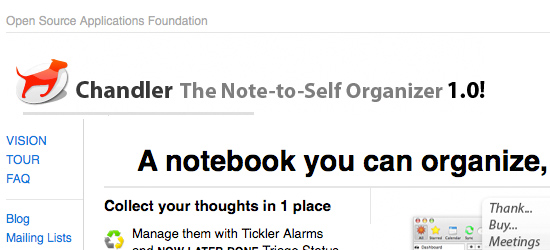
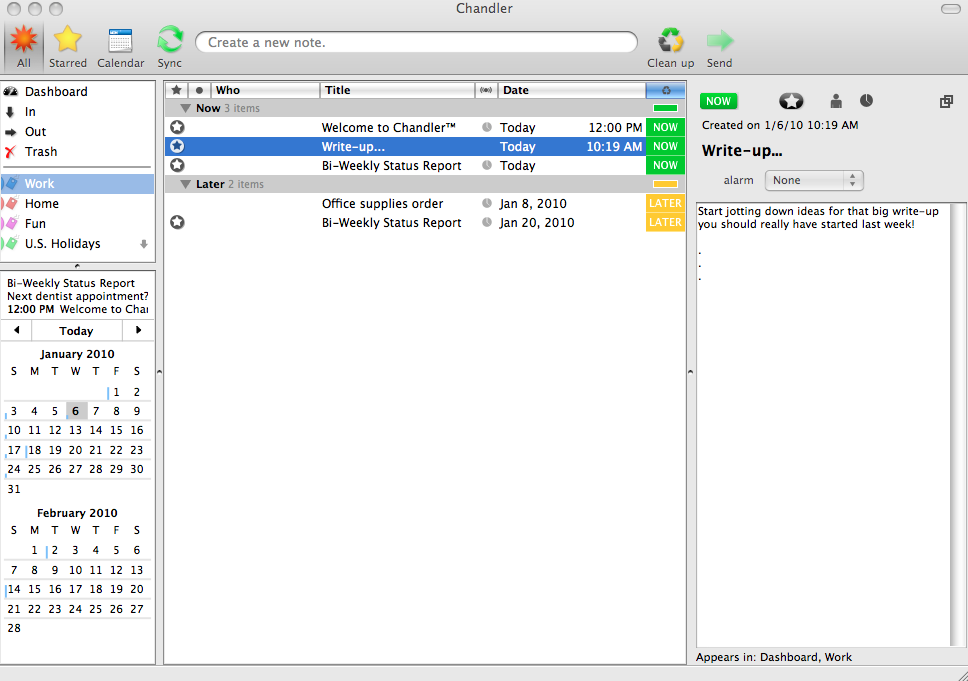
Chandler is free, runs on Mac, Windows and Linux, and was designed for both business and personal use. It is a task manager that allows the user to create notes and add varying levels of detail to those notes. Notes are created by typing in a title in the box at the top of the screen.
Organization
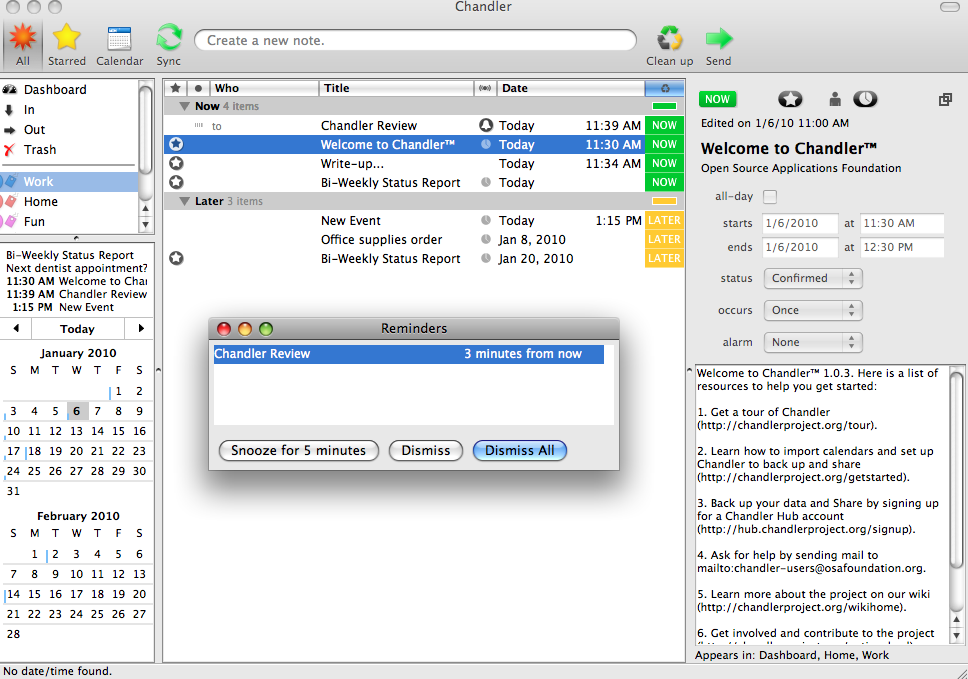
Chandler gives the user the ability to categorize tasks into three major groups: “Now,” “Later” and “Done.” You can also set “tickler” alarms to alert you about an important, time-sensitive task. The program will move a task marked “Later” to the top of the “Now” section when the alarm goes off. A box marked “Reminder” appears in the center of the screen with, well…a reminder about the task.
Calendar integration
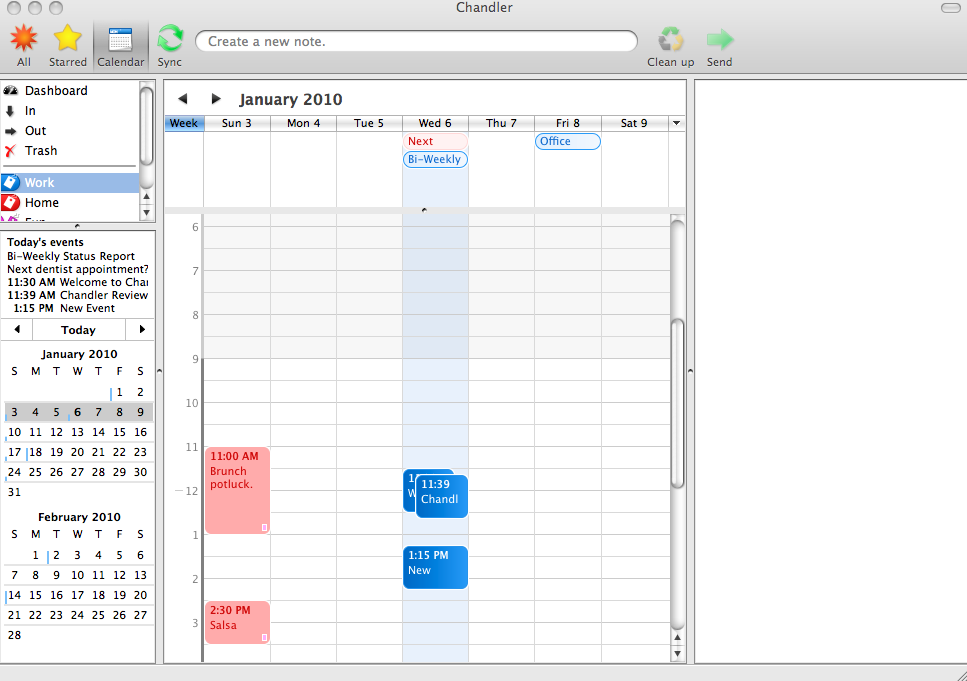
Chandler is designed to work with iCal, Google Calendar, Palm and Outlook. The software allows the user to import tasks that are already entered into those calendars into Chandler. The built-in Calendar in Chandler can be synced with other calendars to keep all information current in both programs.
One neat capability that Chandler has is its ability to work with email clients to work with email without leaving the application. The developers make it clear that Chandler is not intended to be a replacement for an email client. Chandler allows the user to send and receive emails that are from other Chandler users, and downloads messages via 3 IMAP folders. According to the developers’ website, Chandler possesses the following features and capabilities:
- Send Chandler notes and events out as email. (Unlike “regular” email, you can edit and re-send Chandler emails)
- Receive Chandler notes and events via email sent by other Chandler users
- Add messages from your email client into Chandler-oriented IMAP folders, from there, Chandler Desktop can copy the messages and treat them as notes and events
- Reply and Forward
- Independent windows for composing messages
Web
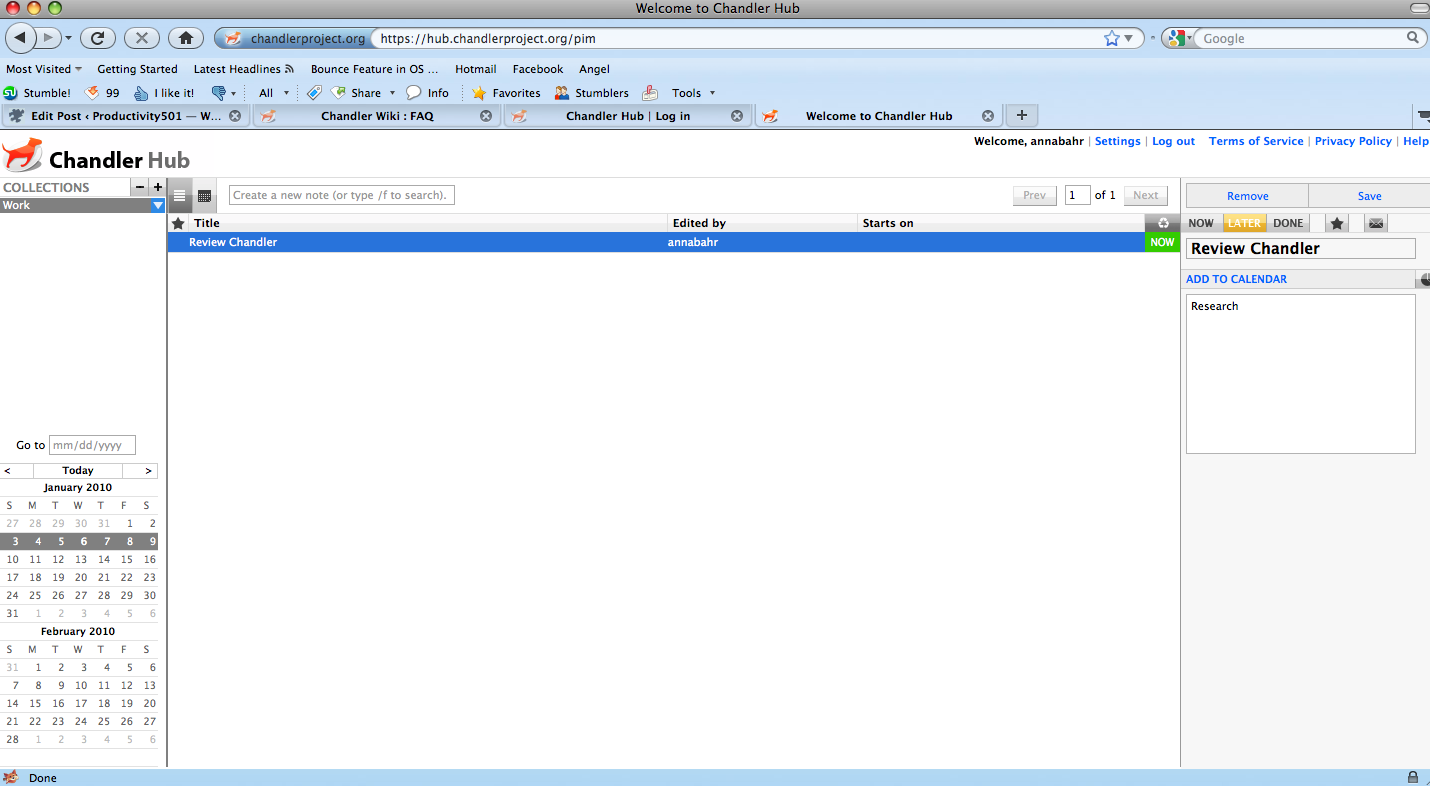
Much like Evernote, the Chandler Hub looks and works much like its desktop counterpart. On the Hub, users can share tasks, ideas and other information with those outside Chandler.
It’s a bit unrelated but I’ve read a book (dreaming in code) that talks about the story behind Chandler. Chandler has taken many years (like 8 if I remember well) of development before it went online for the first time.
That book is sitting on my bookshelf waiting to be read. :)
Go for it!
I read Dreaming in Code as well. It’s a fascinating and ultimately heart-breaking read for anyone excited by software. I am glad to see a 1.0 version of Chandler is out all these years later, even if it’s a far cry from the original vision.
Currently I’m using Things on my iPhone as my GTD app of choice. It’s elegant and simple, but since I would in a multi-platform environment, it’s frustrating that it doesn’t have some common capabilities such as online syncing.
Of course, it remains to be seen how usable the Chandler web app is on an iPhone. But it might be work checking out.