This is a review of Echosign a popular product for handling online electronic signatures. In my years in college and in the work force, I haven’t heard many people say that they enjoy paperwork. Sometimes it’s time consuming, rather boring and potentially messy.
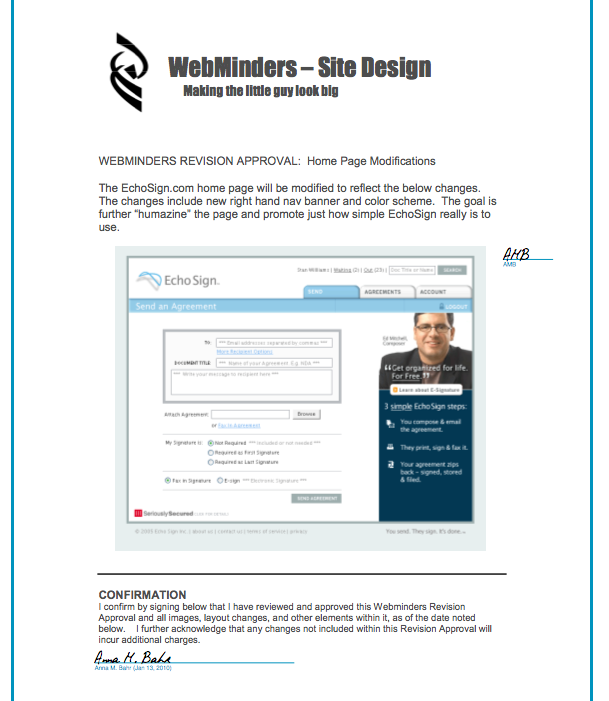
EchoSign is a product designed to help eliminate physical paper trails. Keeping track of several different documents from the same transaction can be frustrating, especially if you want to work in a paperless environment. For those that prefer to keep the paper trail organized in computer files instead of physical files, EchoSign would be a great help. This Echosign review will attempt to familiarize readers with the basics of what type of problems the product solves and explain its use and pricing.
Pricing
Contracts have been faxed and mailed for years because of the binding laws associated with signatures. EchoSign allows the legal, electronic signing of documents. The free version of EchoSign allows the user 5 signatures a month, which may be adequate for those that only deal with contracts and other signed documents once in a while. However, for those that need to use the product on a daily basis, upgrading to the Pro version costs $14.95/month, Team (2-9 users) is $40/month and the Enterprise version for 10+ users costs $299/month and offers all of the available features.
Echosign Free
The free version, as mentioned above, only allows the user 5 signatures/month and the following features:
- Send Word/Excel/PDF files
- e-Signatures
- Fax signatures
- Performance dashboard
Echosign Pro
The Pro version, as in the aforementioned paragraph, costs $14.95/month, but with this fee comes a myriad of new features, including PDF encryption, other security precautions and other convenient features, such as mobile sign. Mobile sign works with a Blackberry, with Windows Mobile and iPhone as well as a number of other mobile browsers. Another convenient feature offered with the Pro version is Reminders. You can set the program to remind you to sign a certain document or remind someone else.
How Echosign works
It is as simple to explain as it is to use. The user can send a document with the following steps:
- Upload a document electronically or fax a hard copy
- Enter the recipient’s email address (may include a note)
- Click “send”
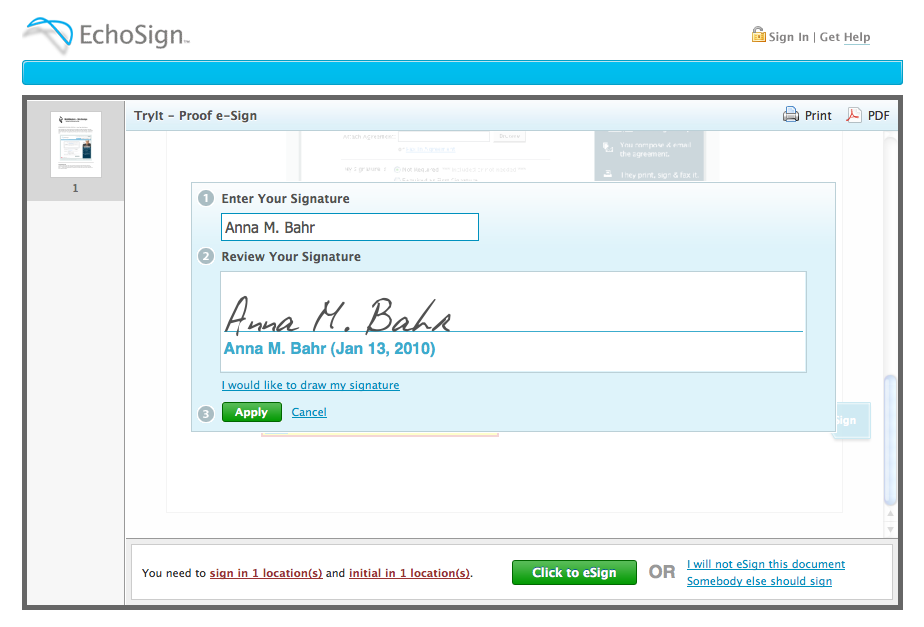
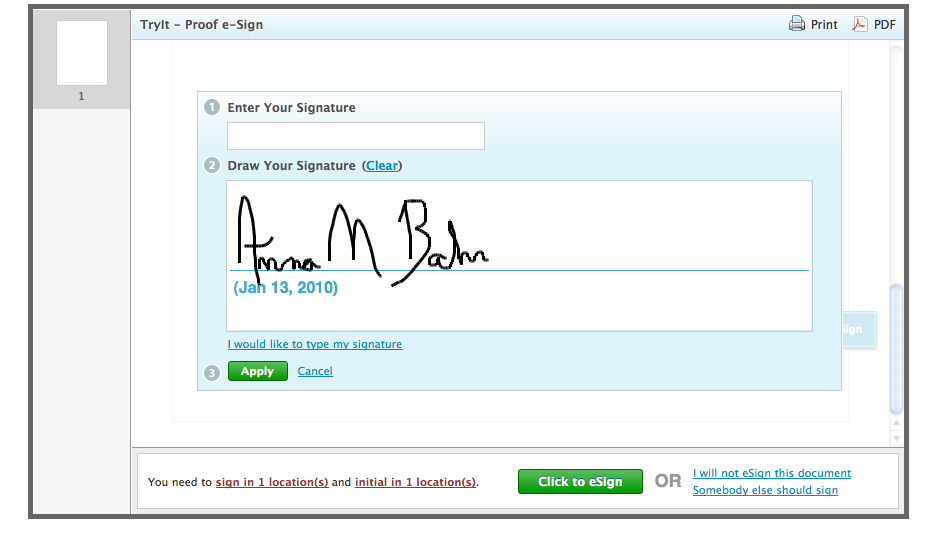
The program allows the user to either draw their signature or type that signature, both of which are shown below, respectively.
 Echosign Review Conclusion
Some of what EchoSign offers can be accomplished with digital signatures. However, the barrier to entry is much lower with EchoSign and it is easier to get other people involved without requiring them to go through extensive setup on their personal computers. EchoSign allows users to send, receive and organize signed documents efficiently, keeps track of all of your sent and signed documents and works across platforms. With these features and more available, Our Echosign review shows it is a viable option for those that want to be better organized or keep their workflow as paperless as possible.
Ecosign has not made any efforts to update in over a year. The application interface is not very intuitive and lacks several major user features. You cannot create labels or lines. To start you need a pdf, if that pdf changes then you have to completely rebuild the echosign template. This is absolutely horrible. One of the worst products I use and I only use as it is for a client who wants secure documents. Adobe should spend some energy on solving this issues.
Totally agree. Been looking around, is there a comparable program you’d recommend?